
Emelowsky Plugins / Marker Tracker
Marker Tracker for REAPER
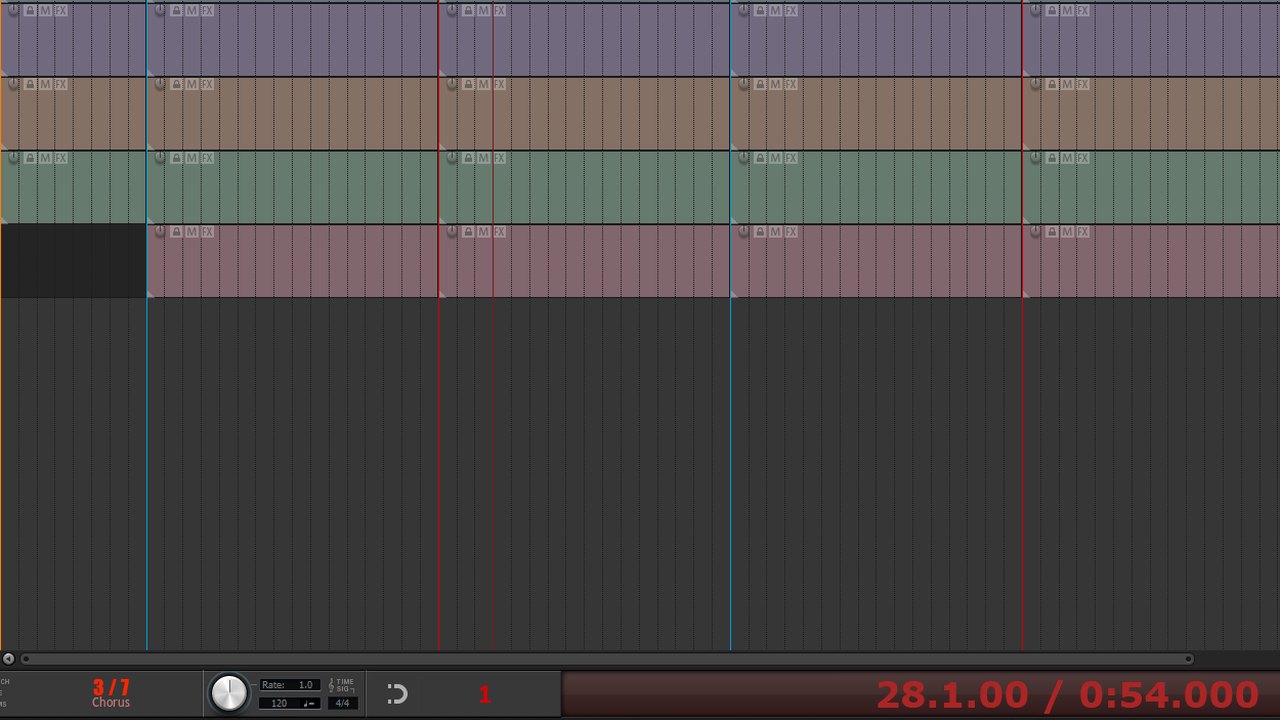
While you mix, always see where in the song you are: the current marker or region in big text.
What it does
Marker Tracker is a small floating overlay that shows the marker or region you have just passed, with its name in big, readable text. While mixing you always know whether you are in the verse, the chorus or the bridge - without looking for the ruler.
- Current marker or region name in big text
- Regions mode - also great for podcasts and long sessions
- Your own colours, font sizes and transparency
- Lock the overlay in place, always on top
- Free for everyone
Install
Gumroad: download the zip from the product page and follow the quick start guide inside.
ReaPack: Extensions > ReaPack > Import repositories, paste https://raw.githubusercontent.com/Emelowsky/reapack/main/index.xml, then find Marker Tracker in Browse packages.
Requires: REAPER 6 or 7 (Windows, macOS, Linux) and the free ReaImGui extension (ReaPack).