
Emelowsky Plugins / Fast Group
Fast Group for REAPER
Track grouping for REAPER that keeps your mix balance - even at the end of the fader.
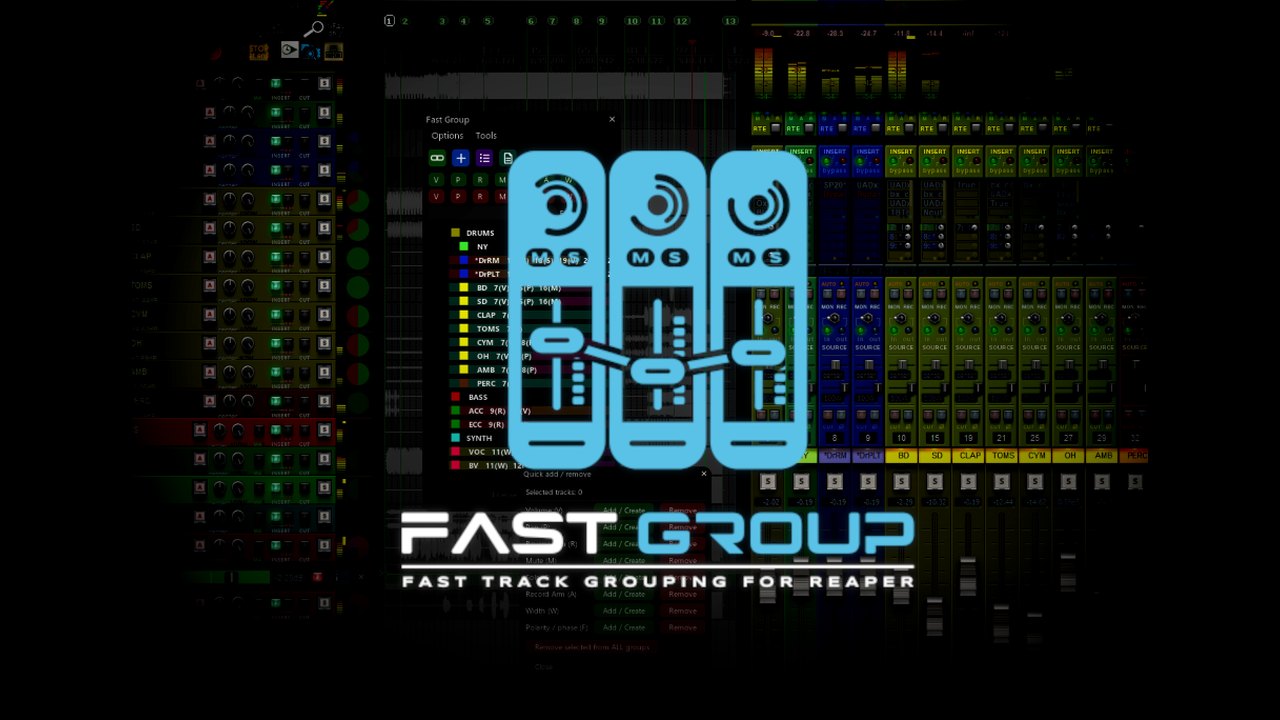
What it does
Push a grouped fader to the top and bring it back: with REAPER's native groups the volume differences between your tracks are gone. Fast Group keeps every volume and pan offset, even when a fader hits the end of its range and after you reopen the project.
- Volume and pan offsets stay, also at the limits of the fader
- Offsets survive closing and reopening the project
- Create a group from the selected tracks in one click
- Group colours and badges on the tracks, group templates
- Popup window for quick group actions
Free demo: everything works with up to 2 active groups at a time.
Install
Gumroad: download the zip from the product page and follow the quick start guide inside.
ReaPack: Extensions > ReaPack > Import repositories, paste https://raw.githubusercontent.com/Emelowsky/reapack/main/index.xml, then find Fast Group in Browse packages.
Requires: REAPER 6 or 7 (Windows, macOS, Linux) and the free ReaImGui extension (ReaPack).